



AI Image Enhance for Personal and Professional Use
Easily increase the resolution of an image for personal memories
or professional projects without losing quality
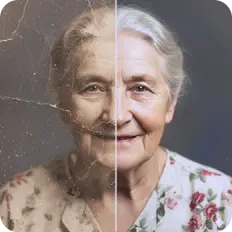
Restore Old Photos
Image enhancer brings aged photos back into focus, using AI
image enhancement to gently recover lost detail and clarity.
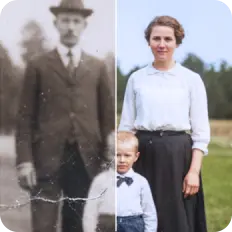
Photo Book and Poster Printing
For large prints, it keeps visuals crisp through smooth
image upscaling, preventing blur while preserving fine
elements
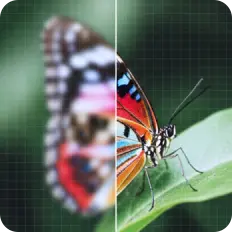
Professional Photography
Photographers can refine their work with ai photo enhancer
free, adding subtle sharpness and cleaner tones in seconds.
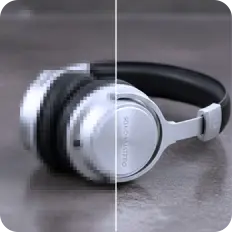
E-commerce and Product Photos
Product images gain a cleaner, more polished look thanks to
image enhancement tools that help items stand out instantly.
AI Image Enhancer to Make Image Clearer Instantly
Instantly enhance your images to reveal hidden details and make
every photo clearer.
Improve the Quality of Image and Unlock Hidden Details
Image enhancer uses photo enhancer AI to enhance picture
clarity and recover hidden details. It can unpixelate image
areas and restore textures, turning old, blurry, or
low-quality photos into sharper, more vivid memories
effortlessly.
Try it now

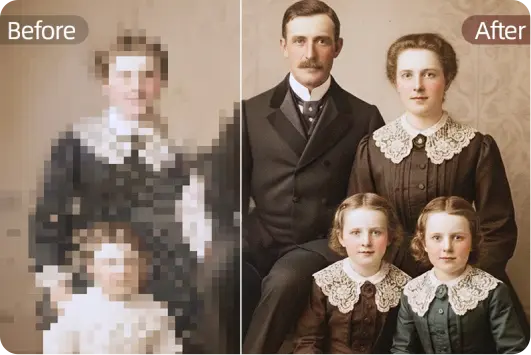
Enhance Photo with Automatic Color Correction and Light Restoration
With AI image enhancer, your photos are enlarged while
colors and lighting are automatically restored. This photo
enhancement tool smooths out fuzzy areas, makes pictures
clearer, and ensures every detail stays crisp, perfect for
prints, portfolios, or online sharing.
Try it now
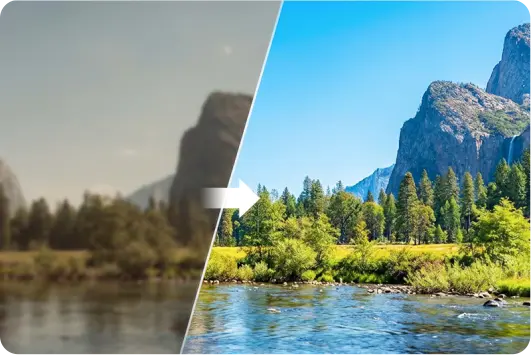
How to Make a Blurry Picture Clear?
With 4K image enhancer, you can make a picture clearer online with
just one click.

step 1
Upload Your Image
Upload your image by dragging it into the upload area or
clicking “Upload” to choose a file from your device.
step 2
Automatically Enhance an Image
Choose your desired resolution and click “Generate” to
let the AI enhance your image automatically.
step 3
Download Your Enhanced Image
After a few seconds, download the improved, clear
result.
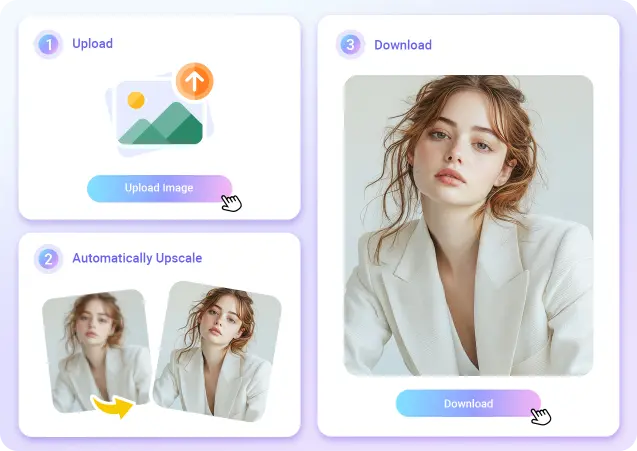
step 1
Upload Your Image
Upload your image by dragging it into the upload area or
clicking “Upload” to choose a file from your device.
step 2
Automatically Enhance an Image
Choose your desired resolution and click “Generate” to
let the AI enhance your image automatically.
step 3
Download Your Enhanced Image
After a few seconds, download the improved, clear
result.


Instantly improve image and video quality with AI
Contact us
Copyright © AIUPSCALER.